The Key Difference Is a New Band, Not a New Protocol
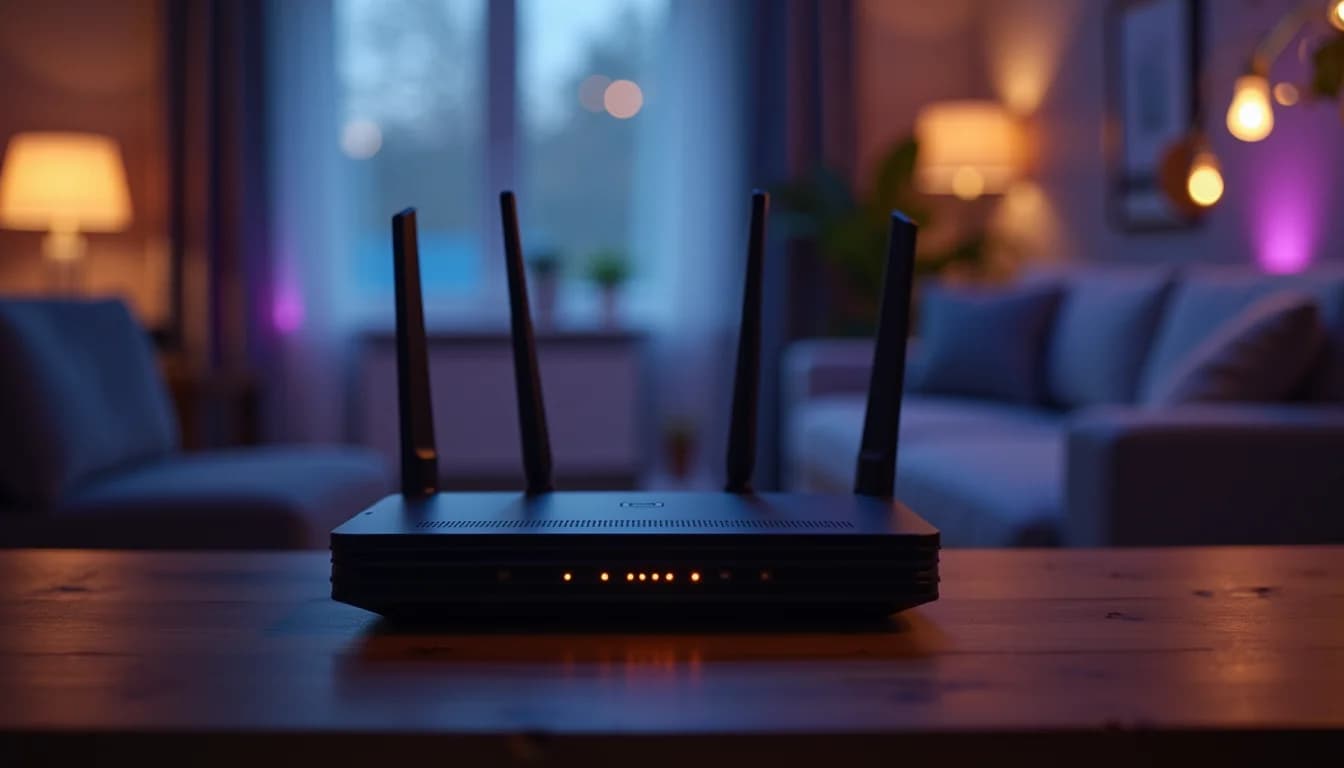
Both Wi-Fi 6 and Wi-Fi 6E use the same 802.11ax standard. The "E" stands for "Extended" — meaning Wi-Fi 6E adds a third frequency band at 6 GHz (5.925–7.125 GHz) on top of the 2.4 GHz and 5 GHz bands that Wi-Fi 6 already uses.
That extra band is the entire story. The modulation, OFDMA, MU-MIMO, and maximum theoretical speeds are identical between the two. So the real question is: does that third band matter for your specific home?
What the 6 GHz Band Actually Gets You
The U.S. opened up 1,200 MHz of unlicensed spectrum at 6 GHz in 2020 — more than double the roughly 500 MHz available at 5 GHz. That extra room translates directly to:
- Up to 7 non-overlapping 160 MHz channels (vs. just 2 on 5 GHz in most markets)
- Real-world speeds of 500–1,000 Mbps for 6E-capable devices on the 6 GHz band
- Less interference — the 6 GHz band is exclusive to Wi-Fi 6E and newer devices, so older laptops, smart home gear, and neighbor networks can't crowd it
That last point matters more in Seattle than most people realize. In dense neighborhoods like Capitol Hill, Ballard, or Queen Anne, your router is competing with 20–40 other networks on the same 5 GHz channels. The 6 GHz band sidesteps that congestion entirely.
There's also a security upgrade: WPA3 is mandatory for all Wi-Fi 6E devices, with no fallback to WPA2.
The Trade-Off: Range
The 6 GHz signal attenuates faster than 5 GHz. Higher frequencies lose energy more quickly through walls, floors, and distance. In practice:
- 6 GHz: Excellent within the same room or adjacent room — roughly 30–50 feet in open air, less through walls
- 5 GHz: Good coverage across a full floor, typically 50–75 feet through standard construction
- 2.4 GHz: Whole-home coverage — it penetrates walls further than either higher band — but limited to ~50–150 Mbps real-world
Seattle's older craftsman and Tudor homes — common builds from the 1920s–1940s — often have dense old-growth fir framing and sometimes original plaster-over-lath walls. These attenuate 6 GHz signals noticeably more than modern drywall. If your router sits in a closet on the first floor, a 6E device on the second floor may not reliably reach the 6 GHz band.
Device Compatibility
Older devices connect to a Wi-Fi 6E router's 2.4 or 5 GHz bands exactly as they would with a standard Wi-Fi 6 router — no configuration needed, no compatibility issues. The 6 GHz band only activates for devices that specifically support Wi-Fi 6E.
As of 2026, 6E-capable devices include:
- Flagship smartphones (iPhone 15 and later, Samsung Galaxy S23+, Pixel 7+)
- Most Windows laptops and MacBooks from 2022 and newer
- PlayStation 5 (select SKUs)
Budget laptops, tablets, and the majority of smart home devices — thermostats, cameras, smart plugs — still use 5 GHz or 2.4 GHz and work fine on a 6E router. You won't lose anything by upgrading; you'll just only see the 6 GHz benefit on compatible hardware.
What Does Wi-Fi 6E Hardware Cost?
Wi-Fi 6E routers start around $200–$230 for entry-level units from ASUS and TP-Link, and climb to $400–$500+ for tri-band mesh systems designed to cover larger homes.
For context: a solid Wi-Fi 6 router runs $100–$180, and Wi-Fi 7 routers (the current standard in 2026) now start around $200–$250. That overlap makes Wi-Fi 6E a hard sell if you're buying hardware today. At similar prices, Wi-Fi 7 adds further improvements — including multi-link operation and better spectrum use — making it the smarter long-term purchase.
Our Recommendation for Seattle Homes
Stick with Wi-Fi 6 if:
- You have a standard single-family home with an internet plan under 500 Mbps
- Most of your devices are from 2020 or older
- Budget is a priority and your router is the actual bottleneck
Go with Wi-Fi 6E if:
- You're in a condo or dense apartment building with heavy 5 GHz congestion
- You have multiple recent 6E-capable devices used close to the router
- You're running a multi-AP wired setup and want to use 6 GHz as a dedicated backhaul channel
Consider jumping to Wi-Fi 7 instead:
- If you're buying new hardware in 2026, Wi-Fi 7 pricing has dropped enough that 6E is now a middle step you can skip
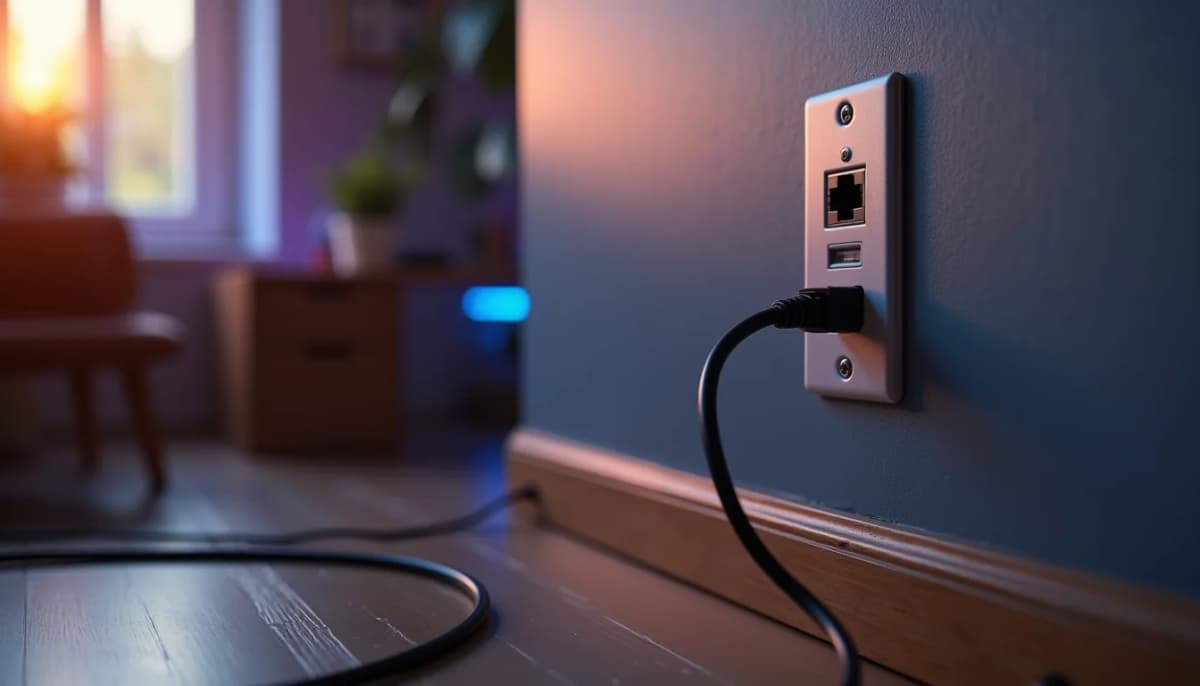
One final note: no Wi-Fi standard compensates for a poorly placed single router. If you have dead zones or slow speeds, the fix is usually a wired Cat6 backbone with access points placed throughout the home — not a faster router in the same spot.
Have questions about your project? Contact us for a free estimate.