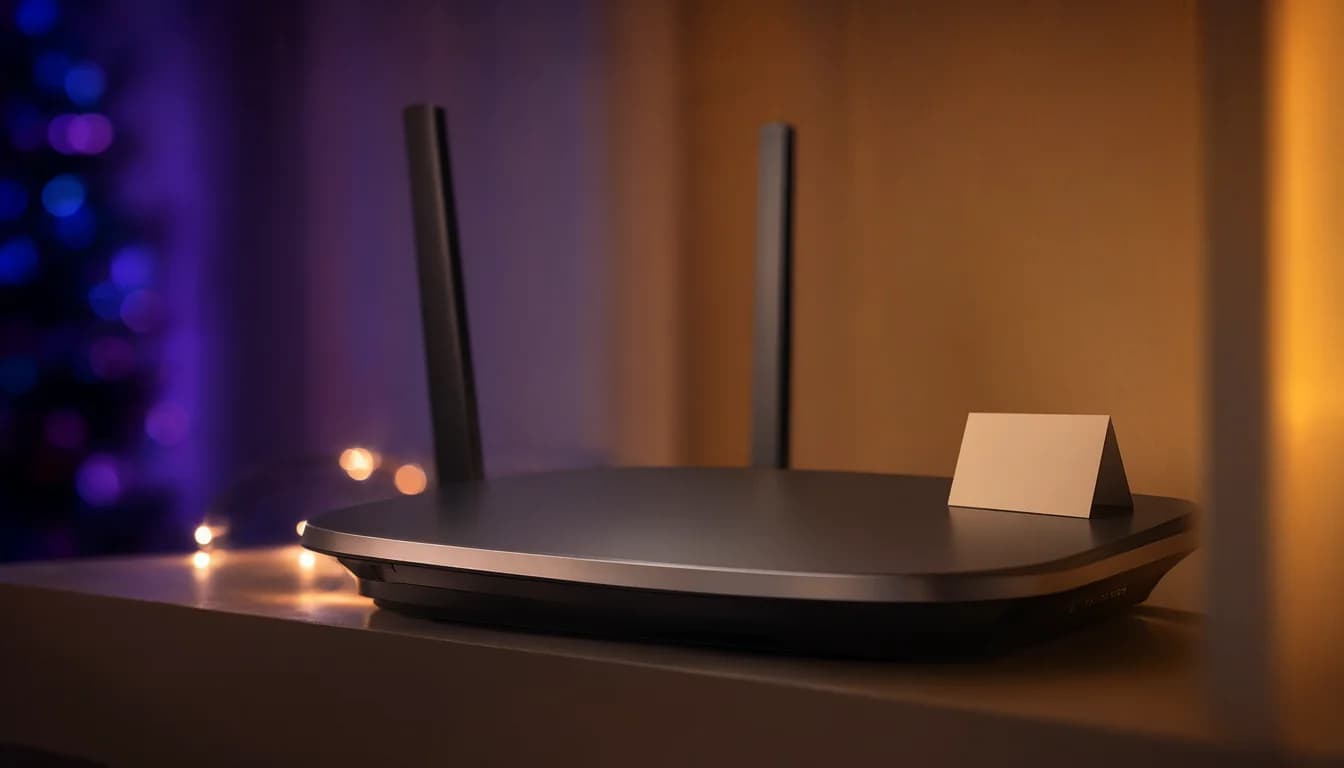
Turn on the guest Wi-Fi in your router's app before people arrive, and leave the "access my local network" option off. You don't need a new router if yours already has the setting. The catch is Xfinity: there's no way to set up a guest network on their rental equipment. The workaround is to put the Xfinity box in bridge mode, so it just passes the internet through, and run your own router behind it, which has guest Wi-Fi.
A guest network gives visitors the internet and nothing else in your house. A guest's phone can't get at your cameras, printer or work laptop, and fewer people end up knowing your main password.
The one setting to check
It's usually worded like "let guests access my local network." Leave it off, and check that it still is. Give the guest network its own name and its own password, and change that password after the holidays. Some apps and routers can show a QR code so nobody has to spell it out, and some let the guest Wi-Fi switch itself off after 1 hour, 4 hours or 24 hours.
If you have two boxes, the guest network belongs on the one the internet line plugs into first. Only that router controls guest access. Turn it on at a second router or one in access point mode and it may not keep guests apart.
Around Seattle, Quantum Fiber has a "Guest Network" setting on its gateway, with a QR code in its app. Astound's Whole Home WiFi runs on eero, so guest access is in the eero app under Settings > Guest Access. On Xfinity, don't just hand out your main password instead.
What a guest network won't do
Guests can't cast to your TV or print from the guest network. That's by design, not something broken. Google Nest Wifi has a "Shared devices" list where you can keep the TV, speaker or printer usable for guests. Everywhere else, print the boarding pass for them.
It won't make anything faster either. On some routers the guest Wi-Fi runs on 2.4 GHz only instead of the 5 GHz band your main network uses, so it feels slower than the main network from the same couch. That's normal.
When we install a network, we set up separate networks (VLANs) so work laptops, guest devices and smart home gear aren't all on one network.
Have questions about your project? Contact us for a free estimate.