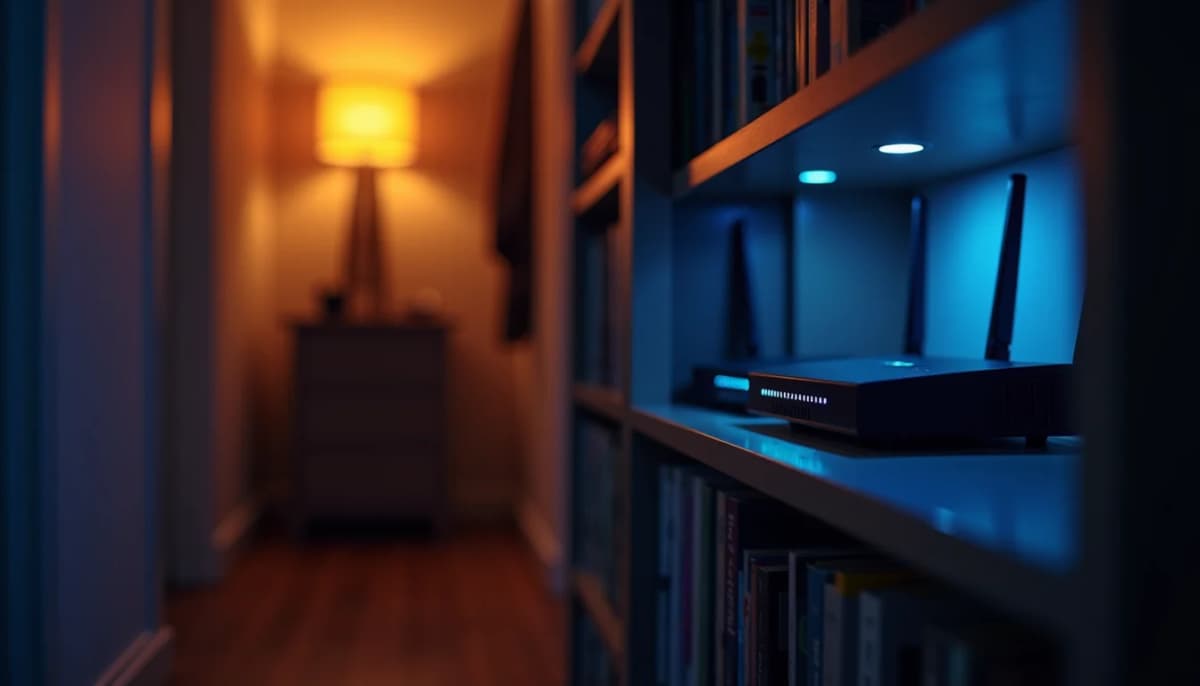
A small battery backup on the modem and router keeps your internet on for a few hours, not days. The $60 to $140 kind runs a modem and router for roughly one and a half to three hours, less once you add a switch and access points. That covers the blips and the shorter outages. It won't carry you through a multi-day one. On fiber, Ziply says its side keeps running for days, so you usually stay online as long as your boxes at home have power. On cable, the neighborhood equipment can go down before your battery does, though the battery still covers the short ones. Put the battery on the network boxes only, nothing else.
How long a small UPS runs a modem and router
A modem and a router are small loads. Wirecutter measured the pair at about 20 watts, and at that load the units it tested under $150 ran one and a half to three hours. Plug a desktop computer into the same units and those hours turn into minutes. The battery is cheap because the load is small, so keep the load small.
That's the right size for most outages and the wrong size for a big storm. In the November 2024 windstorm, Seattle City Light had most of its customers back within a day, and the last ones waited about five days. Nothing in this price range covers the fifth day, and buying a bigger UPS to try is money spent on the wrong tool. If you want the house running for days, that's a generator or home battery question, and it's a different conversation.
If you want more than a few hours, look at a portable power station with a UPS mode, like an EcoFlow River or similar. They run on lithium iron phosphate (LiFePO4) batteries, which are rated for about 3,000 charge cycles before dropping to 80% capacity, so you're not swapping a battery every few years like on a regular UPS. A unit around 245 Wh runs a 20-watt modem and router for most of a day. Check the switchover time on the spec sheet before you buy. The newer models list 10 ms, older ones 20 ms or more, and the faster one is the safer pick so the router doesn't reboot when the power drops. It still won't carry you to day five.
A couple of things that surprise people the first time the lights go out:
- It beeps. Many units beep the whole time they're on battery. Find the mute button before the storm.
- Not every outlet is backed up. On most small units only about half the outlets are on the battery and the rest are surge-only.
What to plug into the UPS (and what to leave off)
Everything between the wall and your Wi-Fi, and nothing after it. In order:
- The modem or the fiber ONT. This is the box the provider installed, where the internet comes into the house. If it's dark, nothing else matters.
- The router. It's what turns that connection into your home network.
- The switch, if your access points run off it. This is the one that gets missed. If you have access points on the ceiling, the switch is what keeps them on. Put it on the battery too, or the router stays up while the Wi-Fi goes dark. Each access point adds its own load, so count them when you pick a unit.
Leave off the TV, the computer, the printer and the NAS. Each of them eats the hours you bought the battery for. And plug the UPS straight into the wall, not into a power strip or an extension cord.
When the ONT and router are in different rooms
If your ONT and router sit in different rooms, it's two batteries or one box with no battery. If you're getting fiber installed, ask the tech to put the ONT where you want your router to live. If it's already split, we can move the internet connection so everything lives in one place, which also makes the battery question simple. In a finished house that usually means a cable run through the attic or crawlspace.
Does the internet stay up in an outage? Fiber vs. cable
Fiber usually stays up if your boxes at home have power. Cable can drop when the neighborhood loses power, battery or not. Either way, your battery only keeps your end alive.
Fiber usually holds. Ziply says it keeps its side running for days on generators, and nothing between its offices and your house needs power. So if your ONT and router have power and a tree didn't take out the line, you usually stay online. It's not a guarantee. Ziply also sells its own battery for the fiber box and router, but it reaches both only if they sit in the same spot.
Cable can drop with the neighborhood. Ziply, which competes with cable, says cable networks need power from the utility at many points in the field. In a wide outage that equipment can go down, and your modem loses its signal with a full battery at home. A UPS on a cable modem still covers a short outage or a blip. Just don't count on it in a big storm.
One cable check: if your house has a powered cable amplifier, it can lose power in an outage and take the modem's signal with it. The way around it is to have the modem on the amplifier's port that doesn't need power. Worth a look before winter.
Download what you'll need while the Wi-Fi is still up. Ziply notes that when a whole neighborhood's phones switch to cellular at once, the towers can get overwhelmed too.
If you're not sure what's plugged into what in your closet, or whether your access points run off the same switch as the router, sort it out before the first storm. An IT support visit can trace it for you.
Have questions about your project? Contact us for a free estimate.