Run one Ethernet cable from wherever your internet comes into the house to the desk, and plug the laptop into it. That is the fix for most dropped video calls in a home office. Everything below is the detail behind that one wired drop.
It is almost never bandwidth. A video call uses a couple Mbps. If you're on 200 Mbps you have far more than the call needs. What kills calls is delay, and in the cases I see it's normally the wireless hop between your laptop and the router, not anything out on the internet. A cable removes that hop.
One thing to rule out first: if you plug into a USB-C or Thunderbolt dock instead of the laptop's own port, and the connection drops out once a day — or every few minutes on a bad machine — that's often the dock's Ethernet driver rather than the house wiring. Docks do this. Try the built-in port for a day before you spend money.
The one Ethernet drop, and how it gets to your desk
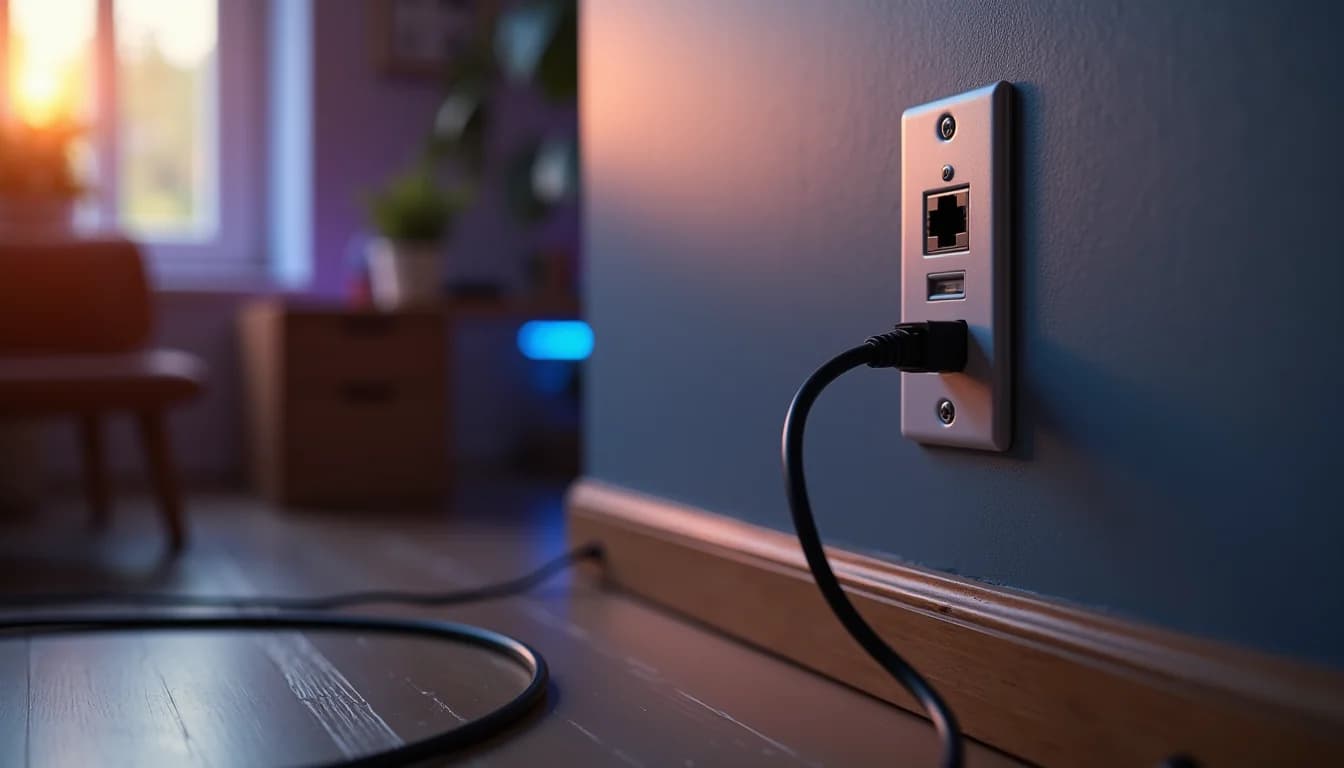
Start at the central location — wherever the ISP box, the router and the coax or fiber terminate. Basement, garage, a closet under the stairs. The cable runs from there to a wall plate behind your desk, and a short patch cord goes from the plate to the laptop or the dock.
The real question is the path, and it's the first thing I ask on a walkthrough: do you have attic access above the office, or a crawlspace under it? One of the two is usually open in an older Seattle house, and the cable goes up an interior wall from the crawl or down from the attic into the wall cavity. If neither is available, we cut. In townhouses that's often unavoidable — we cut single or double gang holes so the openings can be covered with blank plates, and we don't patch drywall.
Cat6 is what I'd run, and you don't need Cat6a for a desk. If there's already a Cat5e drop in that wall from a previous owner, use it — Cat5e carries multi-gig speeds the full run length, so don't rewire a working drop just because it's old.
You don't need a permit for a data cable inside a house in Washington. That's part of why this is a smaller job than most people expect.
The access point, and what you can skip
If you also want the phone and tablet to work in that room, put an access point in the office ceiling or the hallway right outside it — not in the closet next to the router. Wireless doesn't get better by being closer to the router; it gets better by being closer to you. If you find yourself walking toward the router to take a call, the signal in the office is too weak.
Put the laptop on the 5 GHz network. There are three usable channels on 2.4 GHz, and every microwave and doorbell in the neighborhood is sitting on them. We also keep the access point off the radar-sharing channels — on those it can get bumped mid-call.
What you don't need: an extender. It makes two wireless hops out of one, and calls get worse, not better. You also don't need a PoE switch for a single access point — the injector in the box, or an $8 to $15 adapter, powers it fine. Buy the switch when you have a second access point, a camera or two, or you want everything on one battery.
The access point and switch side of it is nothing exotic. A UniFi U6+ is $129 and covers a home office floor; the U7 Pro is $189 if you want the newer radio. If you do get a switch, an 8-port with four powered ports is about $109 — get the higher-power kind of port, not the older one, because many current ceiling access points need more than an older port delivers.
Power blips, router reboots, and the battery backup
The outages that get counted aren't really the problem. The sub-minute blips that reboot your router don't show up in any outage count, and those are the ones that take you off a call.
The blip isn't what hurts, the recovery is. A cable modem takes roughly two minutes to come back, because it has to re-sync with the ISP from scratch. A brief outage can cost up to ten minutes of a call.
A small battery backup on the network gear alone removes it. Router, switch and modem or ONT together draw about 30 to 50 watts, and at that load a basic unit runs 45 minutes to an hour — long enough that a flicker never reaches your equipment. Basic units start around $50, and $140 to $150 buys more runtime. You do not need the $275 model unless you're running more on it; what it adds is a cleaner waveform and more runtime, not a faster switchover. Put only the network gear on it. The desktop and the monitors are what drain it, and your laptop already has a battery.
If your office runs off a circuit that flickers on its own, or you want backup for the whole house rather than just the rack, that's a conversation for our electrical side. For keeping a call alive through a blip, the small battery is the whole answer.
Have questions about your project? Contact us for a free estimate.