What fixes bad Wi-Fi upstairs in an older house is a wired access point on the upper floor, fed by one cable from wherever the internet comes in. If that cable can't be pulled, the fallback is to feed the same access point over the coax that's already in your walls. A new router, a bigger mesh kit or a plug-in extender won't do it, because none of them get a wire to the second floor, and the wire is what's missing.
Why the upstairs is the weak spot
If one room is dead and the rest is just weak, there's probably metal in that wall, and no router gets through it. Some old walls have metal mesh behind the plaster, either from when the house was built or from a repair done later. In lab tests, metal mesh blocked far more signal than drywall did.
The weak-everywhere part is mostly about where the router sits. If your router is in the basement, which is often where the internet comes in, the signal has to get through a floor, sometimes two, plus thick plaster walls, and it loses a bit more with distance on top of that. By the time it reaches the bedrooms there isn't much left.
A lot of Seattle houses are exactly this: old plaster over a basement. About one in five homes in the city were built in 1939 or earlier.
How to fix weak Wi-Fi upstairs
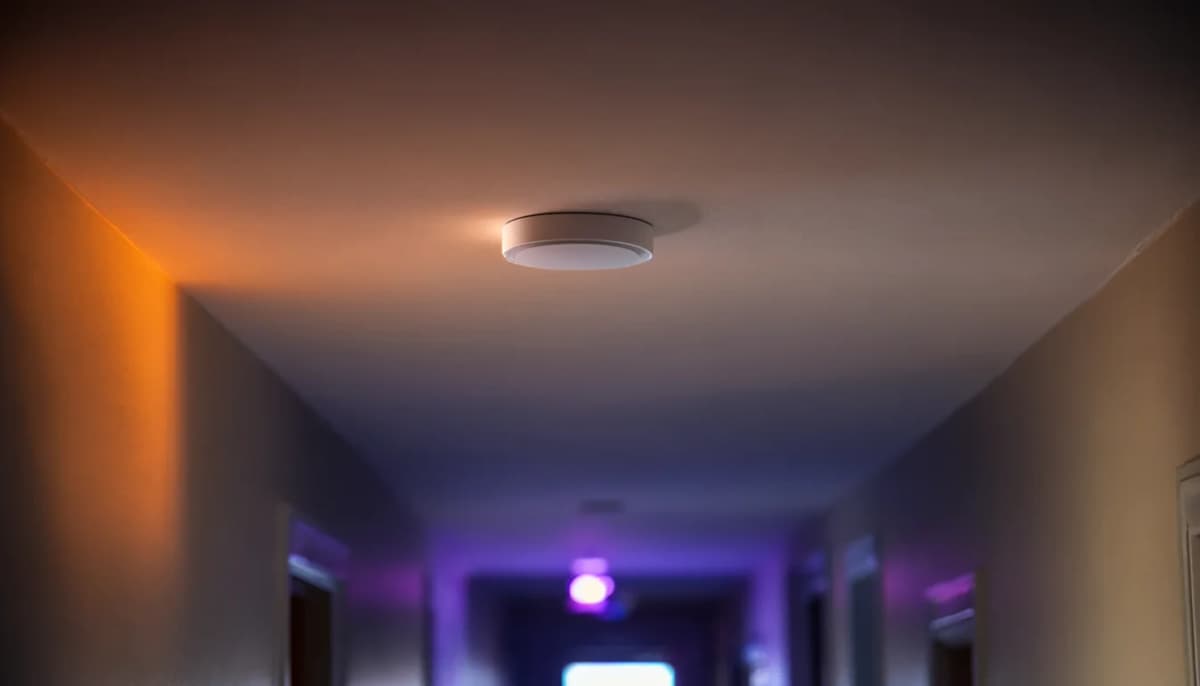
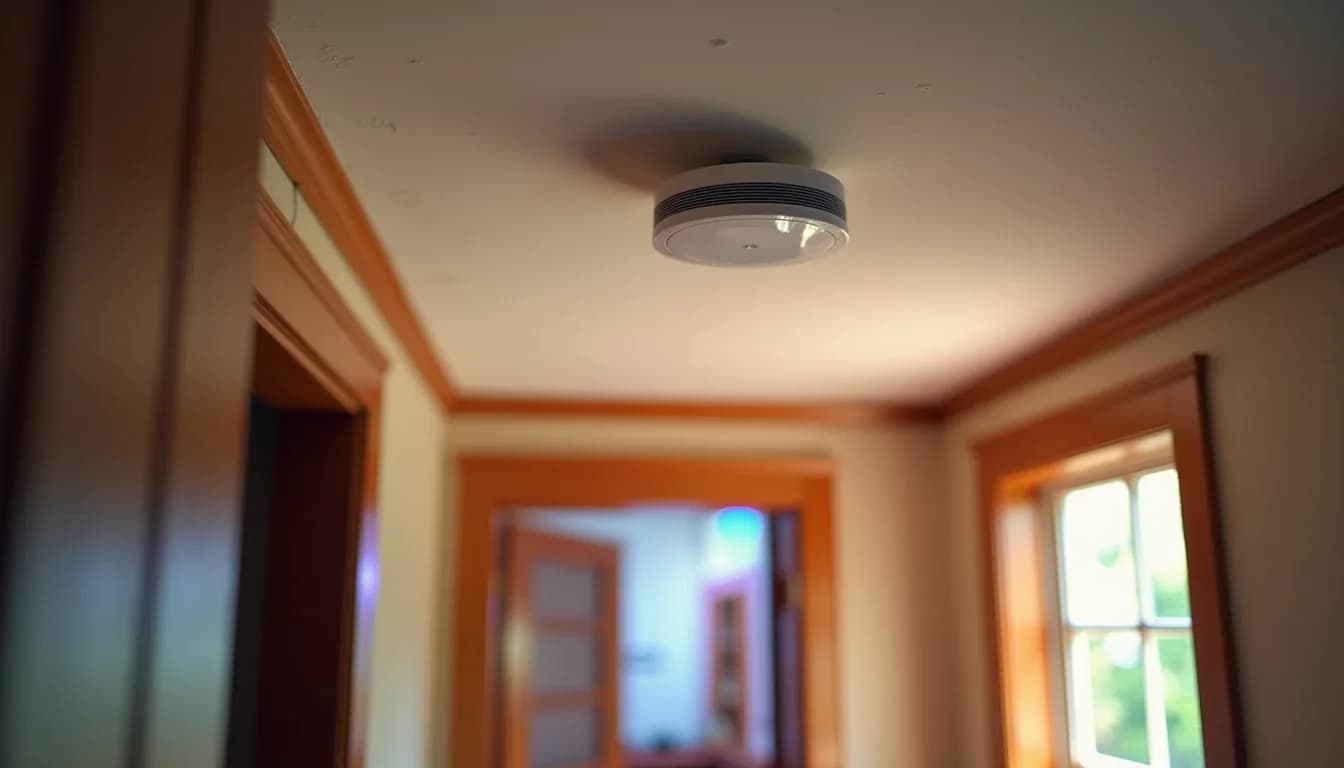
A cable to an upstairs access point. One Cat6 run from the basement to a ceiling or hallway spot on the second floor, with a wired access point on the end. It gets its power over the same cable, so there's no outlet needed where it mounts. How many you need depends on the size and layout of the house; a typical 2,000 sq ft home might need two or three. You don't need to throw out your router for this. We can put access points behind the router you already have, or replace the whole setup, depending on what you've got and what you want to spend.
In an old house, getting that cable up is the hard part. Plaster needs a gentler approach than drywall, so we plan routes through closets, attics and crawl spaces first, and only cut where there's no alternative. A plaster wall can turn a run that would take a couple of hours into a half-day, so expect that going in. Mounting the access point and setting it up is the small part.
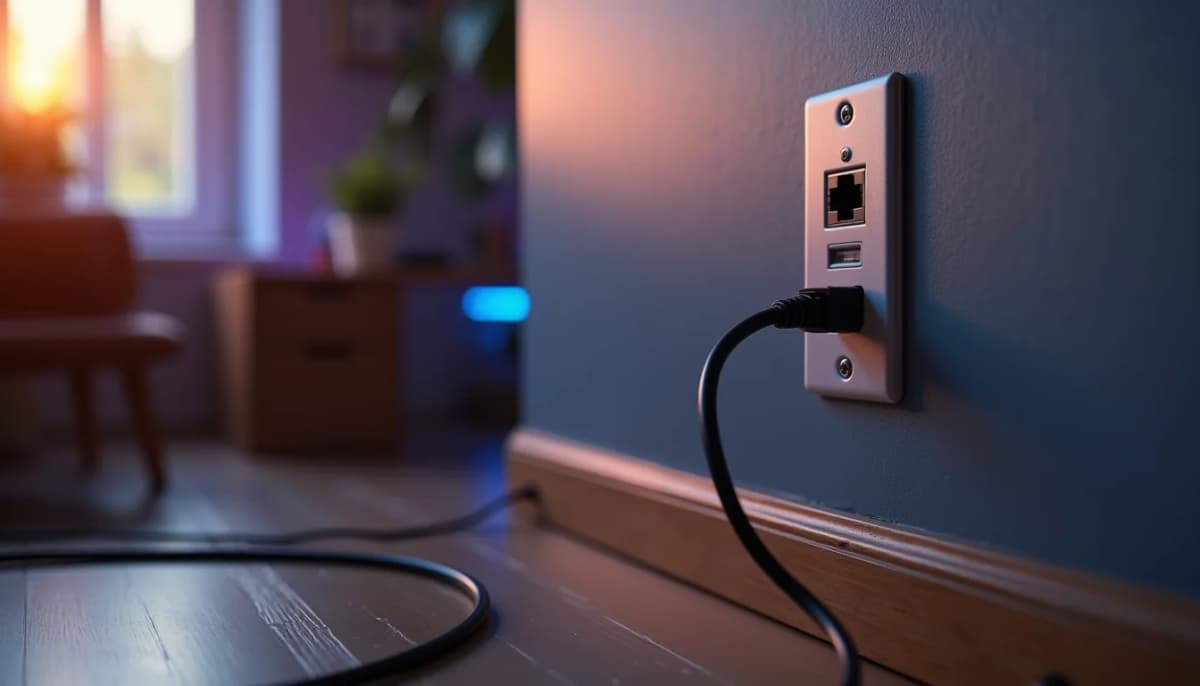
If the cable can't go up, use the coax. If there's a coax outlet upstairs, a MoCA adapter at each end turns that coax into a network link of up to 2.5 Gbps. Many cable modems already have MoCA built in, so sometimes you only need the adapter upstairs. The access point upstairs is the same; it's just fed through the coax instead of a new cable. If you've got a live coax jack on the second floor, that's worth knowing before anyone starts looking for a path through the walls.
If you already own a mesh kit, wire it. Mesh in a plaster house usually disappoints because the nodes talk to each other over the air, through the same walls and floor that were stopping the router. Don't buy another kit. Wire the upstairs node with a cable or the coax, the same way as above. A node with a cable back to the router runs about twice as fast as the same node connecting over the air. So the kit you already paid for isn't wasted, it just needs the wire.
What to skip
Powerline adapters and extenders are the two things we replace most.
Extenders. Extenders cut your speed and don't get a wire upstairs. They take a weak signal and repeat it, so what you get upstairs is weaker than what you started with, and they turn one wireless hop into two.
Powerline adapters. They're hit or miss outlet to outlet, and they won't work through a surge protector. In an old house, it's a gamble, and you won't know which outlet works until you've bought them.
A new router. If the router sits in the basement, a stronger one still sits in the basement. The floor and the walls between it and the upstairs don't change, and neither does a wall with metal in it.
A bigger mesh kit. More nodes talking over the air through the same walls is the same problem with more boxes. If you're going to spend money, spend it on the wire.
What to check before you call
Before you call, look for two things. Is there a coax outlet upstairs, and is it live? And does your modem have MoCA built in? Check the label on the modem. After that it comes down to access: an attic, an unfinished basement, a closet that stacks over another one. Those are the places a cable can go up without opening a wall.
It's also worth holding off on buying anything. If you pick out access points or a new mesh kit first, you might end up with the wrong number of them, or gear that doesn't fit how the house can actually be wired. We map coverage during the consultation and place access points where they eliminate dead zones, not just where it's convenient. Once they're mounted, we verify coverage room by room before we leave.
On the walkthrough, ask where the cable would go up, whether your house is a cable job or a coax job, and how many access points it really needs. If you're somewhere in our service areas, that walkthrough is where all of that gets decided.
Have questions about your project? Contact us for a free estimate.