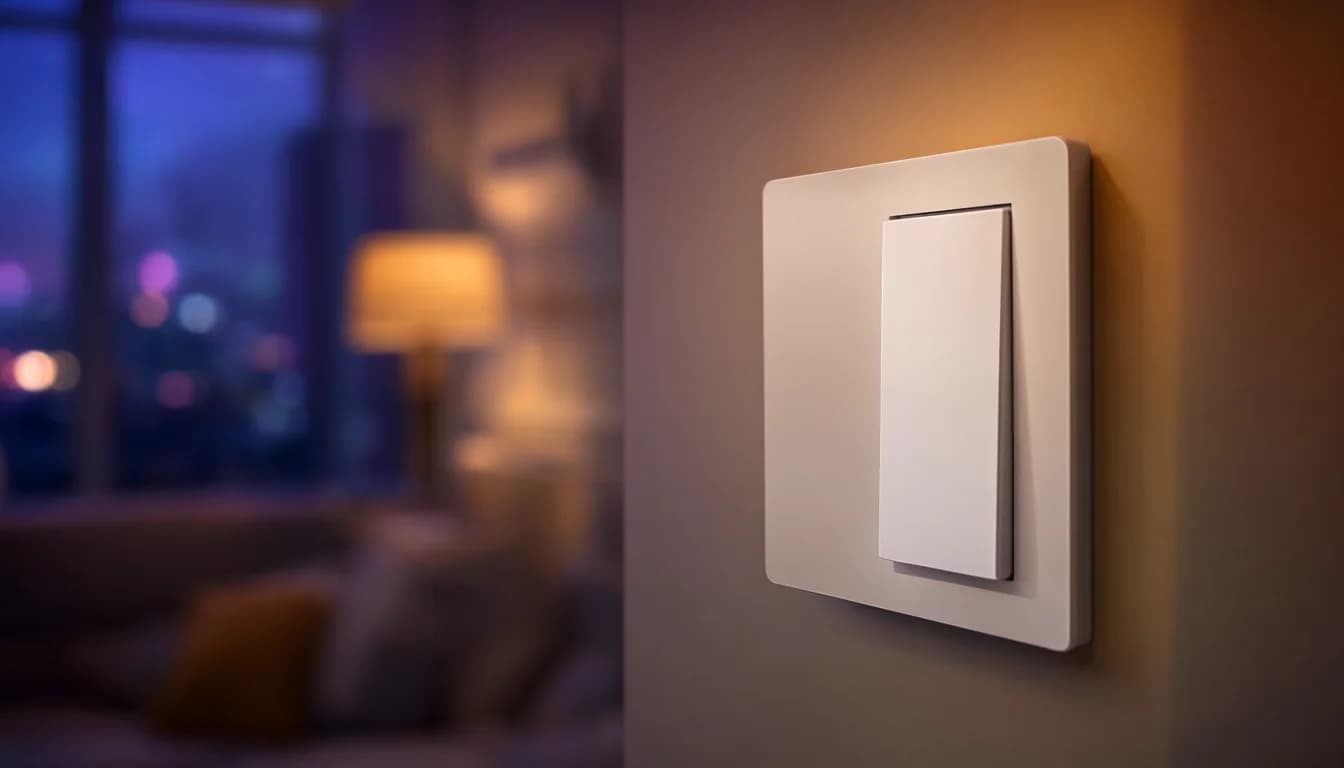
Start with smart dimmers in the one or two rooms you use most. You don't need a whole-home system, a hub from every brand, or a box of smart bulbs to begin. The order that works: one room of lighting, a home network that can carry what you add next, then the next room with something that runs locally. A Caseta dimmer starter kit, around $115 with the hub included, is enough for the first step. It doesn't rely on Wi-Fi, and it keeps working as a normal switch if the internet goes down. Full home automation can come later, one room at a time, on top of what's already in the wall.
What you can skip on day one
A whole-home controller. One room of lighting is a much smaller project than whole-home control. If you want voice and phone control, Apple Home or Google Home costs less than Control4 and is fine for straightforward setups. You can decide on a bigger system once you know what you actually use.
Smart bulbs behind a wall switch. A common first purchase, and a common regret. Put the smarts in the switch, not the bulb. A Caseta dimmer keeps working as a normal switch when the internet is down; a smart bulb behind a regular switch is dead once someone flips it. Guests and kids flip switches. Plan for that.
Sensors, cameras and gadgets for every room. Start with things that act, like switches and dimmers. Add motion or door sensors when you have a specific job for them, not because they came in a bundle.
Five brands. Every brand is another app, another account and another company that can change the rules on you. Keep it to as few as you can.
Why lighting first, and why Caseta
Lights are what you touch every day. In Seattle the sun sets around 4:20 pm in December, so a dimmer, a schedule and a remote by the bed get used every evening, not once a month.
Two things decide which switch fits your boxes. Caseta dimmers don't need a neutral wire. Their plain on/off switches do, and many other brands' smart switches need one too. The one thing you can check yourself before buying: whether the bulbs in the room you're starting with are dimmable. A dimmer on a non-dimmable bulb is the wrong combination.
For smart lighting we walk through the home and open a few switch boxes to see whether neutral wires are present and which fixtures are dimmable. From there we recommend a system: Caseta for most homes, RadioRA 2 or Control4 for larger ones. Then we install it room by room. When a switch does need a neutral, our licensed electricians handle that line-voltage work.
The Caseta hub is the piece you buy once. It plugs into your router, so it lives where the router is, and the dimmers need to be within about 30 feet of it through walls. If your router sits in a far corner of the house, that's worth knowing before you pick the first room. One hub covers a lot of rooms before you'd outgrow it. Pico remotes give you a switch by the bed or on a wall with no wiring behind it, and Caseta works with Apple Home, Alexa and Google Home.
Why local control matters
Insteon, Wink and Works with Nest all left owners stranded or paying. Insteon's servers went dark without warning in 2022, and service was later restored, but owners had no say in any of it.
Caseta runs from the hub in your house. If the internet goes down, your lights still work, and scenes and schedules keep running. What you give up during an outage is control from away and some voice assistant features.
When you add a second brand, look for the Matter logo. Matter products are designed to run their core functions locally, without internet, across lighting, locks, shades, thermostats and sensors. If the box also says Thread, the device needs a Thread border router to reach the rest of your network. You may already have one, so ask about it on the walkthrough before you buy.
Get the network right before room three
If your router came from your internet company, it's often the bottleneck. Many ISP routers handle around 20 to 50 devices, and phones, laptops, TVs and a few smart plugs add up faster than you'd think. When the router falls behind, you see devices dropping offline, slow responses and automations that fire late. Those look like smart home problems, but they're network problems.
Caseta doesn't add to the Wi-Fi load, which is one more reason lighting makes a good first room. Thermostats, cameras and speakers do. If you're still on the router your internet company gave you, plan for that before you add much more.
Wired access points and a separate network for smart devices make the whole system more reliable, which is why we often design the network and the automation together. You can book a consultation for either one.
If a thermostat is your next room, check for a C wire first. Ecobee needs one; the Nest Learning Thermostat (4th gen) works with or without.
Have questions about your project? Contact us for a free estimate.