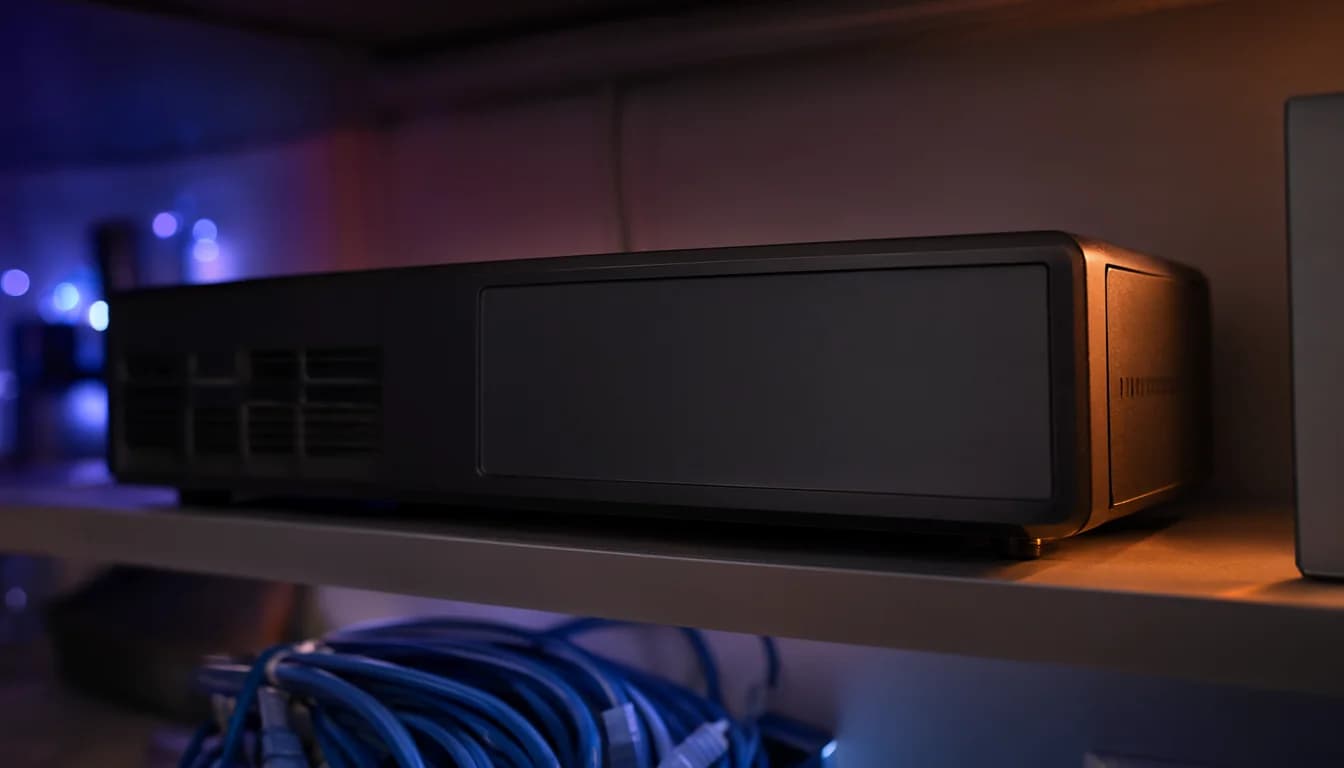
Get the network video recorder (NVR): you pay once, there's no monthly fee, and the footage stays in your house. Cloud cameras make sense only when there is truly no place for a box.
Two questions decide it. Where could the recorder sit? A closet, garage or basement corner works, as long as a network cable can reach it through the attic or crawlspace. And how much upload speed does your internet have? If you have a spot for the box, the upload number matters much less, because a recorder keeps the video inside your house.
Before you buy anything, here is what you don't need:
- A PoE switch, if your NVR has PoE ports. PoE means powering the cameras over the network cable, and the NVR does that for you. Only buy a switch if you plan to power something else this way.
- Cat6a for the camera runs. Cat5e is enough for cameras and a doorbell. Save the money for the data drops.
- A subscription. The camera systems we install record to an NVR with no required subscription.
Why the recorder wins when there is a place for it
The footage never leaves your network. You buy the recorder and the drive once, and that is the whole bill. Use a surveillance-rated drive such as WD Purple.
Compare that with the cloud. Ring is $4.99 a month for one camera, about $300 over five years, and the fee never stops. Nest Aware is $10 a month if you want to look at that option too.
How big a drive? About 1.25 TB per camera for 30 days is a common planning figure, and 4K cameras fill it faster. Recording only on motion stretches it. We size the drive for the retention you want, so settle camera count and how long you keep footage first. If you are still deciding how many cameras, start with how many cameras a house needs.
Retrofit is where the real work is. The recorder goes where the cables can reach, so we look at the attic and crawlspace routes on the walkthrough. In some houses, townhouses especially, cutting into walls is unavoidable. We do not patch the walls afterward, but we try to cut single or double switch-box-sized holes and cover them with blank plates. The wiring work is most of the job. The recorder itself is the easy part.
When cloud cameras make sense
Pick cloud when there is no spot for a recorder at all. There is no box to find, and an off-site copy exists even if someone takes your recorder.
The catch: cloud cameras send their video out over your upload connection, so upload speed matters. Cable internet is lopsided, and in Seattle Xfinity limits upload to 41 Mbps on its plans while Ziply Fiber's entry plan is 100/100. Ask your provider what upload your plan gives you, and we can look at it together on the walkthrough.
Also, Ring without a plan gives you live view, alerts and two-way talk only. No recorded video. And footage from before you subscribed cannot be recovered afterward.
Do security cameras keep recording when the internet goes out?
Wired cameras keep recording when the internet drops. They record locally and don't depend on Wi-Fi. What can break is remote viewing. One owner reported that the phone app would not sign in during a long outage, even from home, until they switched to local access. Plan on seeing the footage when the internet is back, or ask us how remote viewing is set up for your system.
Cloud and Wi-Fi cameras need the internet to send anything. No internet, no clip.
If the power goes too, a battery backup (called a UPS) helps. Owners report that PoE cameras, the switch and the recorder on a UPS keep recording through the loss. Our post on how long a battery backup lasts in an outage covers the details.
What an NVR can't do
A recorder inside the house has no off-site copy. If someone finds it and takes it, the footage goes with it. If a drive fails, the footage is gone too. If you want a safety net, add an encrypted cloud backup on top of local recording. We can set up either one, or both.
My call: local recording first, cloud backup only if you want the off-site copy. Tell us where the recorder could go and we'll look at it on the walkthrough.
Have questions about your project? Contact us for a free estimate.